StudioPipelines you can run again and again
Batch image editing,right in your browser.
Resize, convert, compress, crop and clean up hundreds of images at once. Chain the steps in the Studio, or open a quick tool for a single job. It can all run on your device, without uploading a file.Open the StudioBrowse quick toolsHexlode · Studio
Opens and saves the formats you actually use, with each codec's own settings.
- JPEGPhotos that open anywhere
- PNGLossless, with transparency
- WebPSmall, in every browser
- AVIFThe smallest files
- JPEG XLSmall and sharp
- QOIFast and lossless
The Studio
Build a pipeline once. Run it on every image.
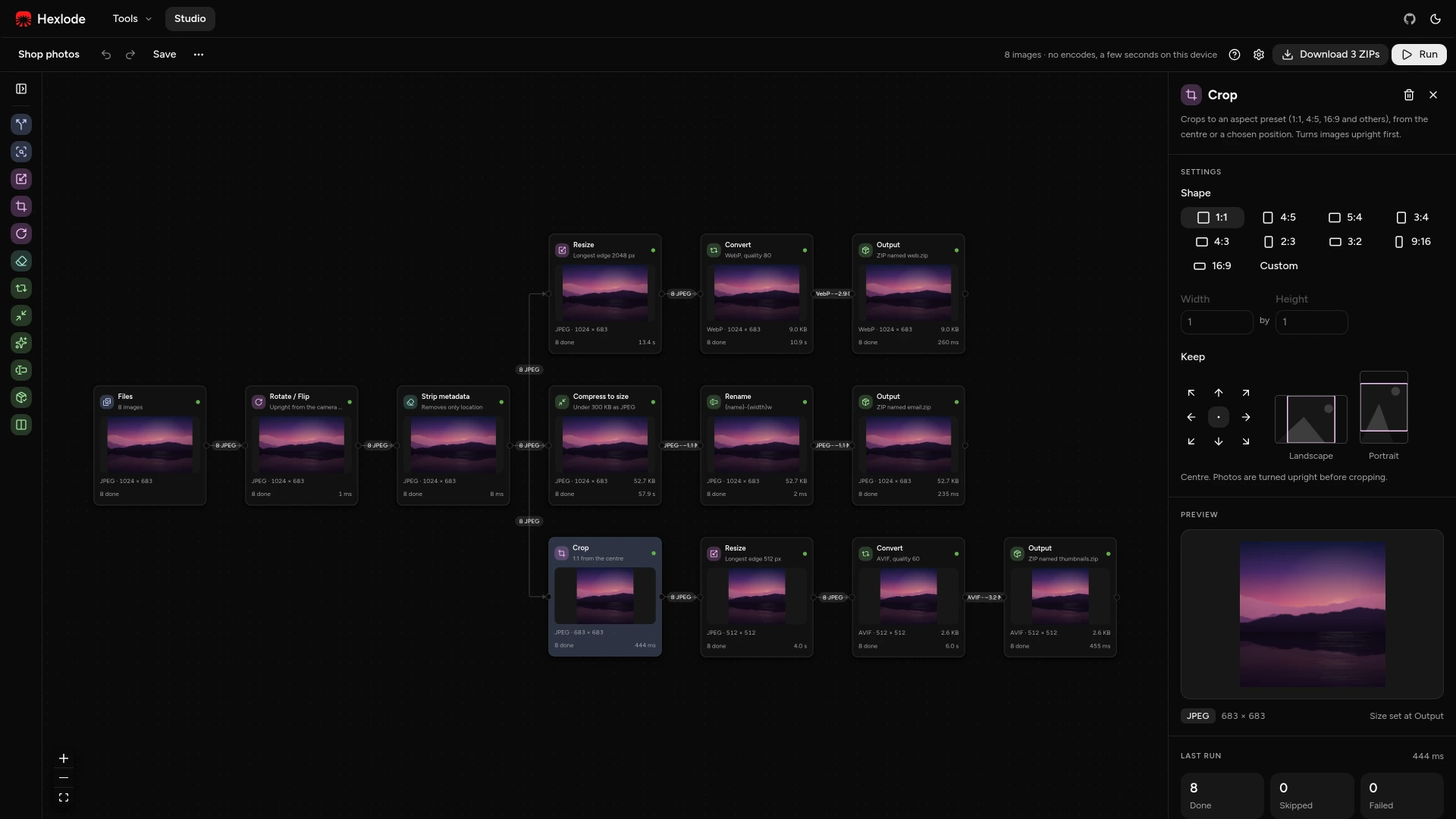
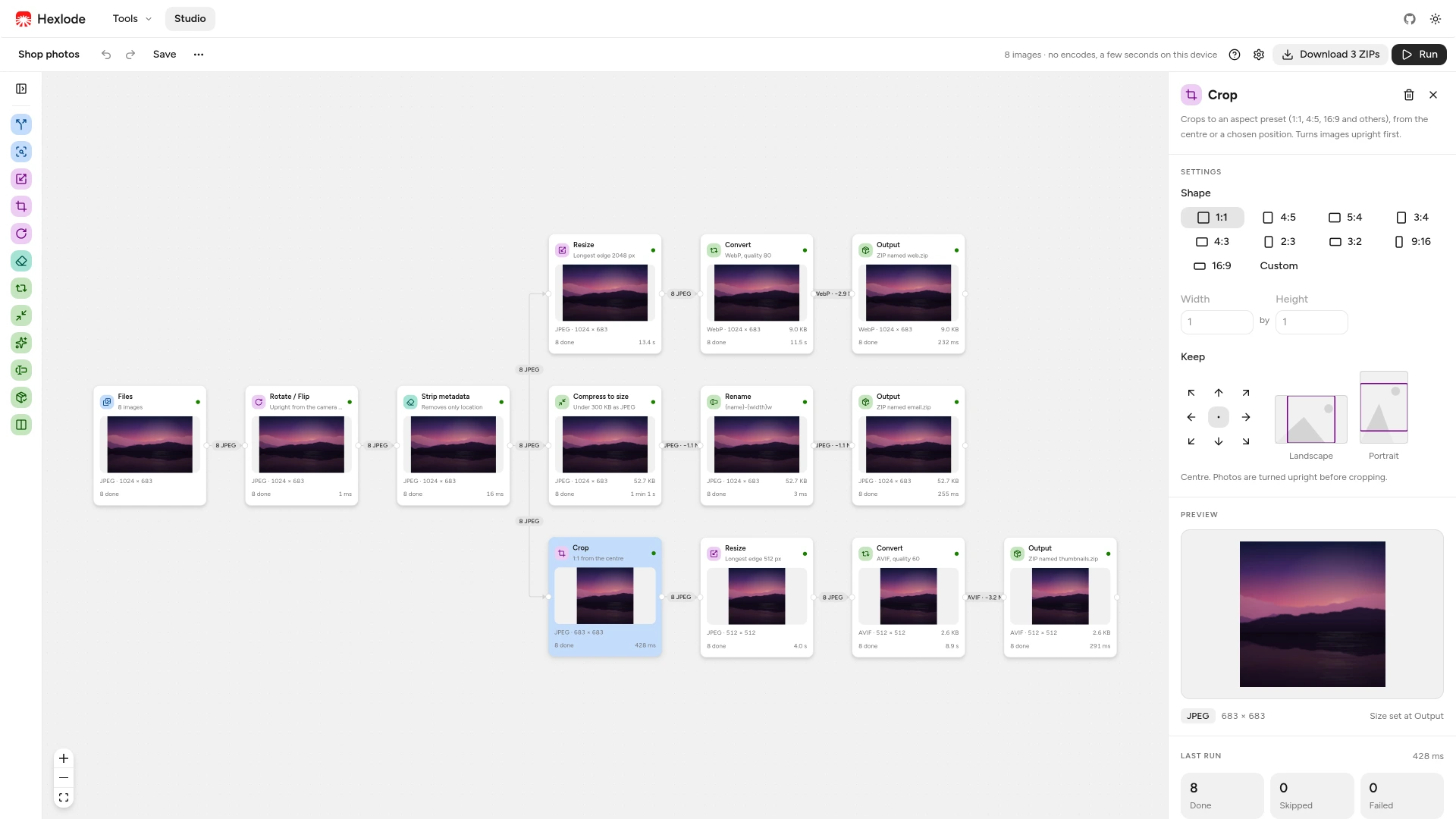
Connect steps on a canvas, check each one on a sample image, then run the whole batch. Start from a template or from a blank canvas.Files240 images
ResizeLongest edge 1600 px
ConvertWebP, quality 80
ConvertAVIF, quality 60
Outputweb.zip
Outputavif.zip
Files240 images
ResizeLongest edge 1600 px
ConvertWebP, quality 80
Outputweb.zip
ConvertAVIF, quality 60
Outputavif.zip
Chain steps on a canvas
Drag steps in, connect them, and branch one input into several results, such as a WebP for the web and an AVIF for thumbnails.Crop1:1 from the centre
1:14:516:9

See every step before you run
Each step shows its result on a sample image, and updates the moment you change a setting.Converting60 of 240
Worker 1
Worker 2
Worker 3
Worker 4
Uses every core
Work is spread over Web Workers, one for each spare processor core, so a big folder never freezes the page.RotateDone
ResizeDone
ConvertWebP, quality 80Done
OutputDone
Reruns only what changed
Change one setting and run again. Steps before it come straight from the step cache.Save
Your toolsPhotos for emailSquare thumbnails
Save it as your own tool
A saved pipeline gets its own page. Drop new images on it and run, without opening the canvas.Quick tools
One job? There is a tool for it.
Six focused tools for everyday fixes. Drop images, pick a setting, download the results.JPG2.4 MB
WebP412 KB
Convert
Switch between JPEG, PNG, WebP, AVIF, JPEG XL and QOI.Original2.4 MB
Compressed2.4 MB
Quality 75−86%
Compress
Make files smaller by quality or to a size you choose.
Resize
Scale by width, height, percentage or longest edge.1:1
Crop
Cut to 1:1, 4:5, 16:9 and other shapes.
Rotate
Turn photos upright, rotate or flip them.IMG_2041.jpg4 fieldsLocation46.55° N, 7.98° E
CameraPixel 8 Pro
Exposuref/1.7 · 1/120 s
Taken14 Aug, 18:42
Strip metadata
Remove location, camera details and other hidden data.On your device
Works right where your images are.
Hexlode decodes, edits and encodes images inside your browser with WebAssembly codecs. You can use it entirely on your device, without uploading your data.IMG_2041.jpg4.1 MBscan-07.png2.8 MBbanner.webp640 KBThis browser tabDecodeEditEncodeWeb Workers · WebAssembly
photos.zipDownload
photos/Or save to a folder
IMG_2041.jpg4.1 MBscan-07.png2.8 MBbanner.webp640 KBThis browser tabDecodeEditEncodeWeb Workers · WebAssembly
photos.zipDownload
photos/Or save to a folder